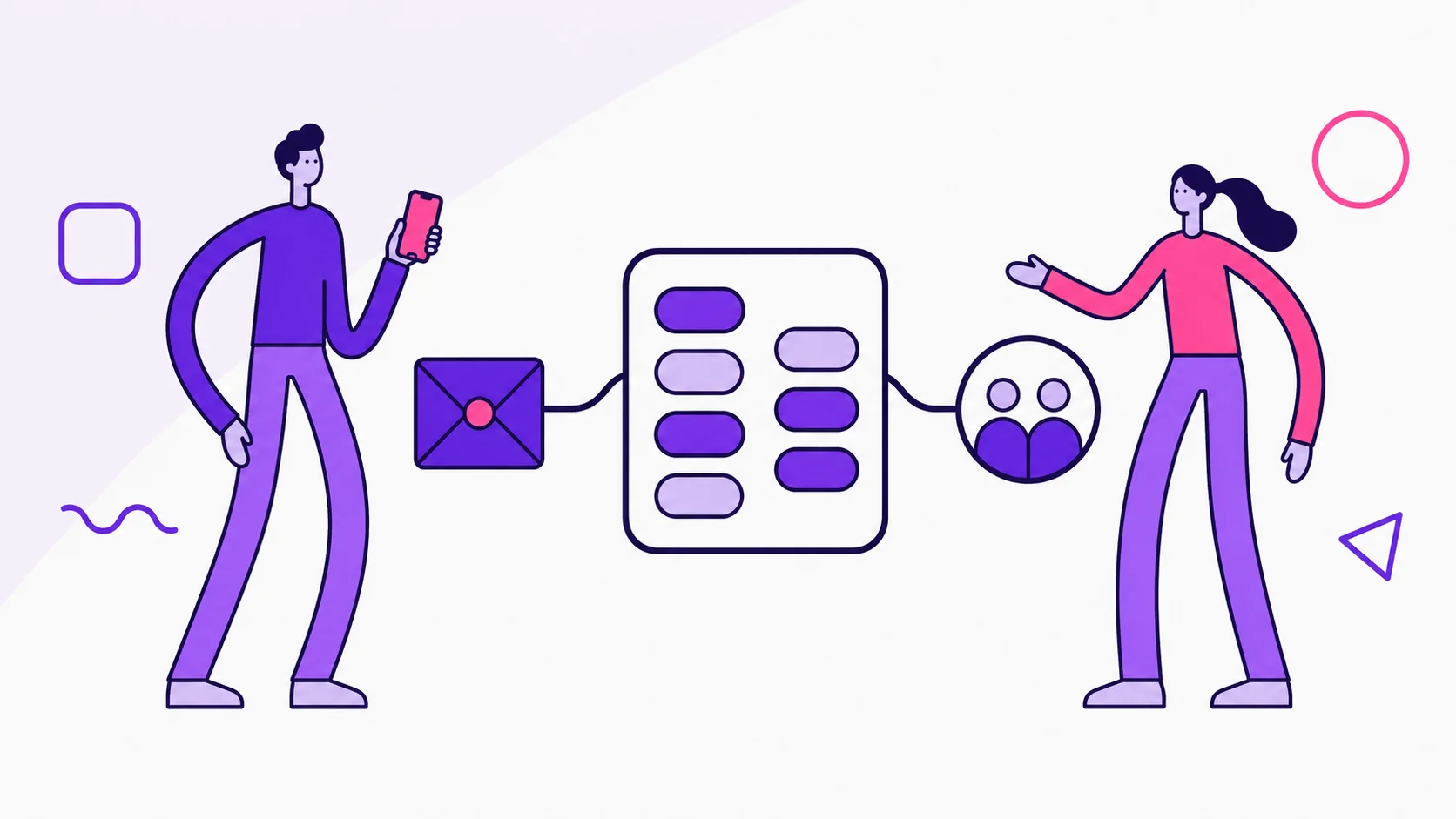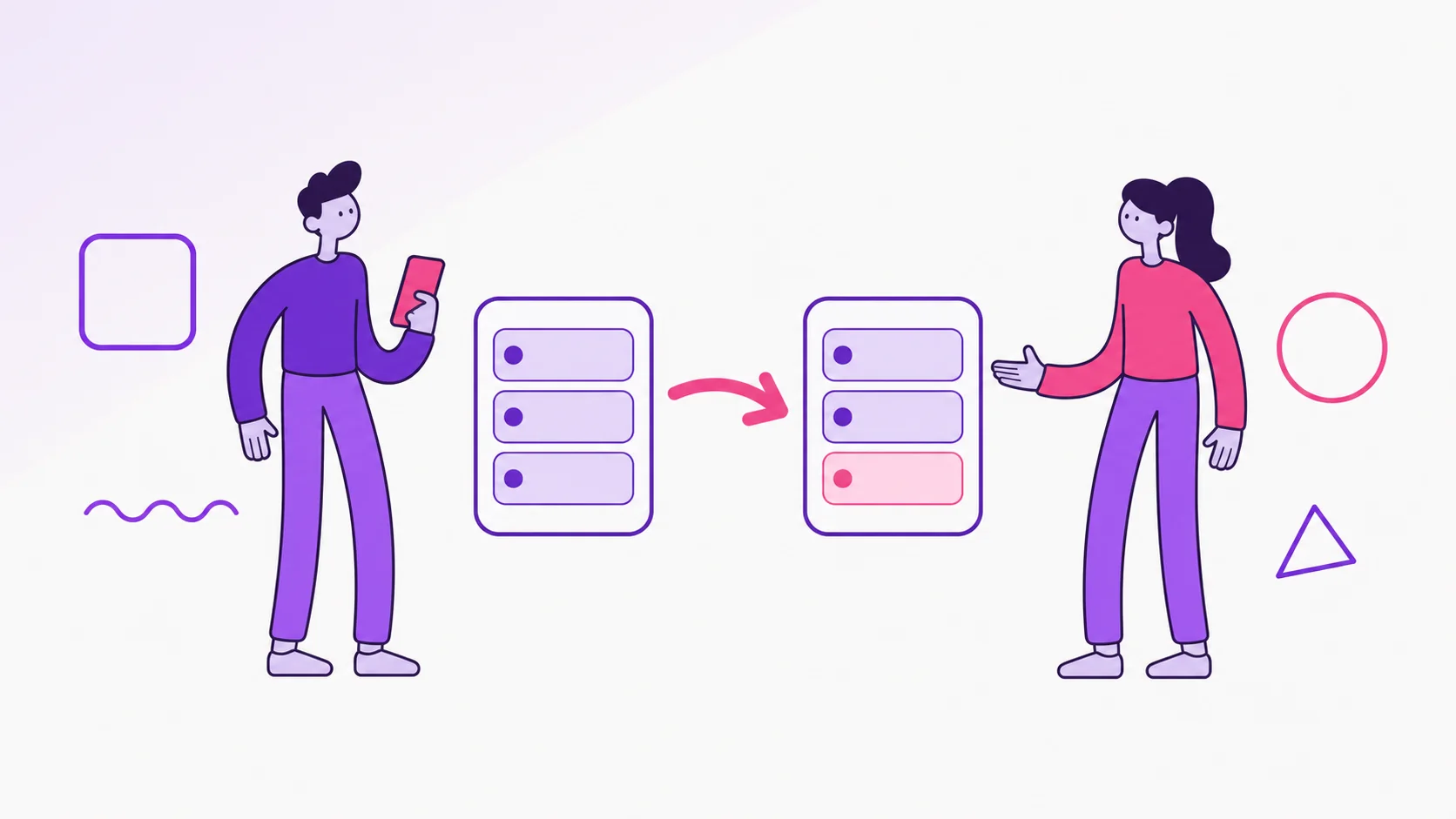
This English edition summarizes how couples can use Copy expenses in dividi at the start of the month without duplicating one-off spending.
This English edition gives you the practical summary first, with the same editorial focus as the Portuguese article: clarity, fair splitting, transparency, and calmer money decisions for two.
What this guide covers
- When the shortcut appears and who can use it in a Shared Account.
- What dividi copies: fixed recurring expenses, active installments, and monthly variable expenses with a zero value.
- What to review before confirming, including source month, zeroed variables, installments, cards, goals, and due dates.
- How the Smart Budget can be copied with the monthly routine so the new month starts with both expenses and limits.
How it connects to dividi
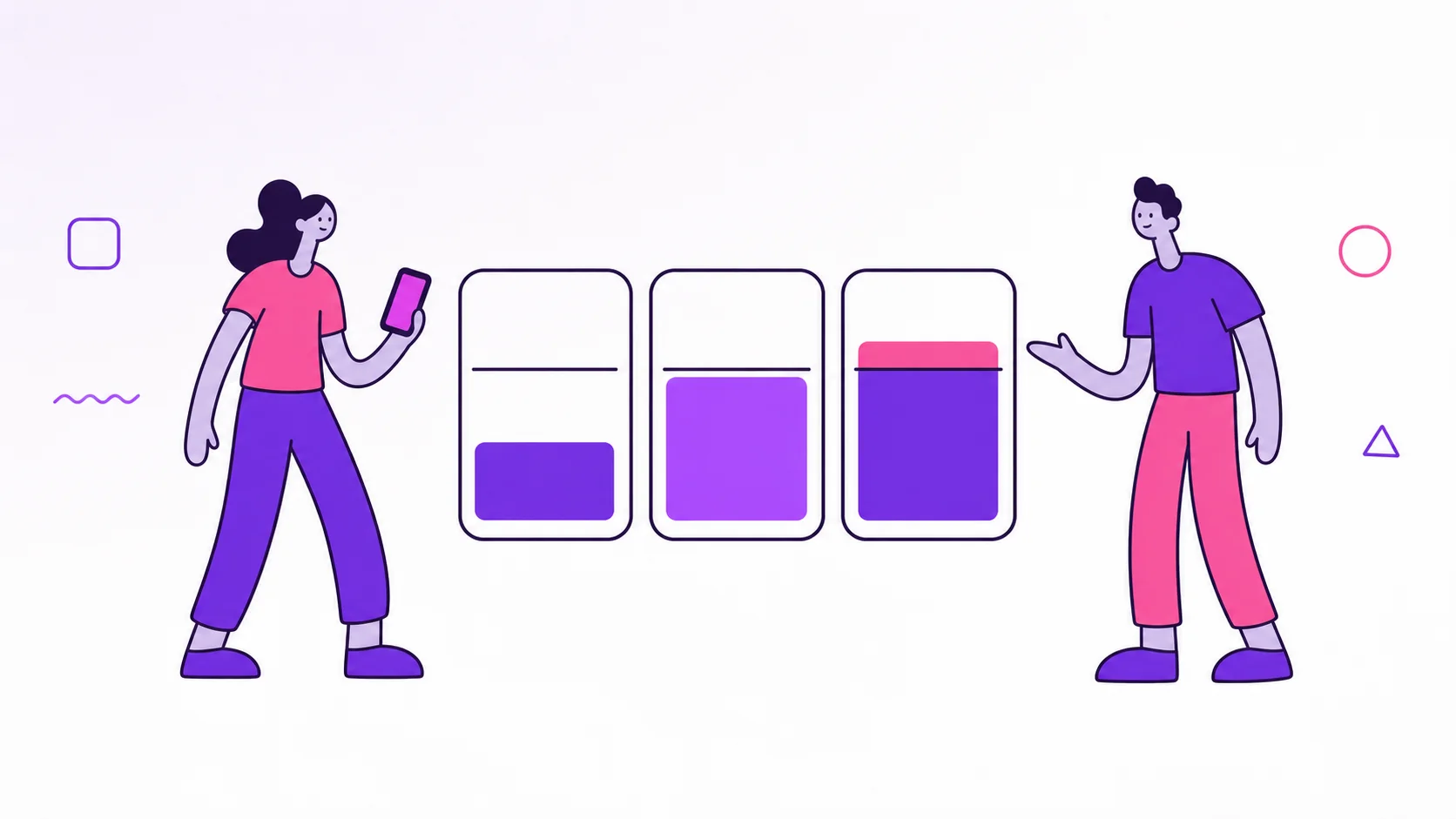
In dividi, Copy expenses turns the previous month into a reviewed starting point: fixed costs keep their value, monthly variables wait for the real amount, copied expenses stay unpaid, and the couple can open Smart Budget afterward to check whether the month starts Healthy, in Attention, or Exceeded.
Read the original article
The complete Portuguese article is still available here: Copiar gastos no dividi: comece o mês em dois toques. We are expanding the English archive with the same structure and visual standard as the main dividi site.
Editorial pillar: dividi app.